MacLC

Everything VLC can play. Finally built like a Mac app.

Free and open source · Apple Silicon · macOS 13+

The Metal Compute Pipeline

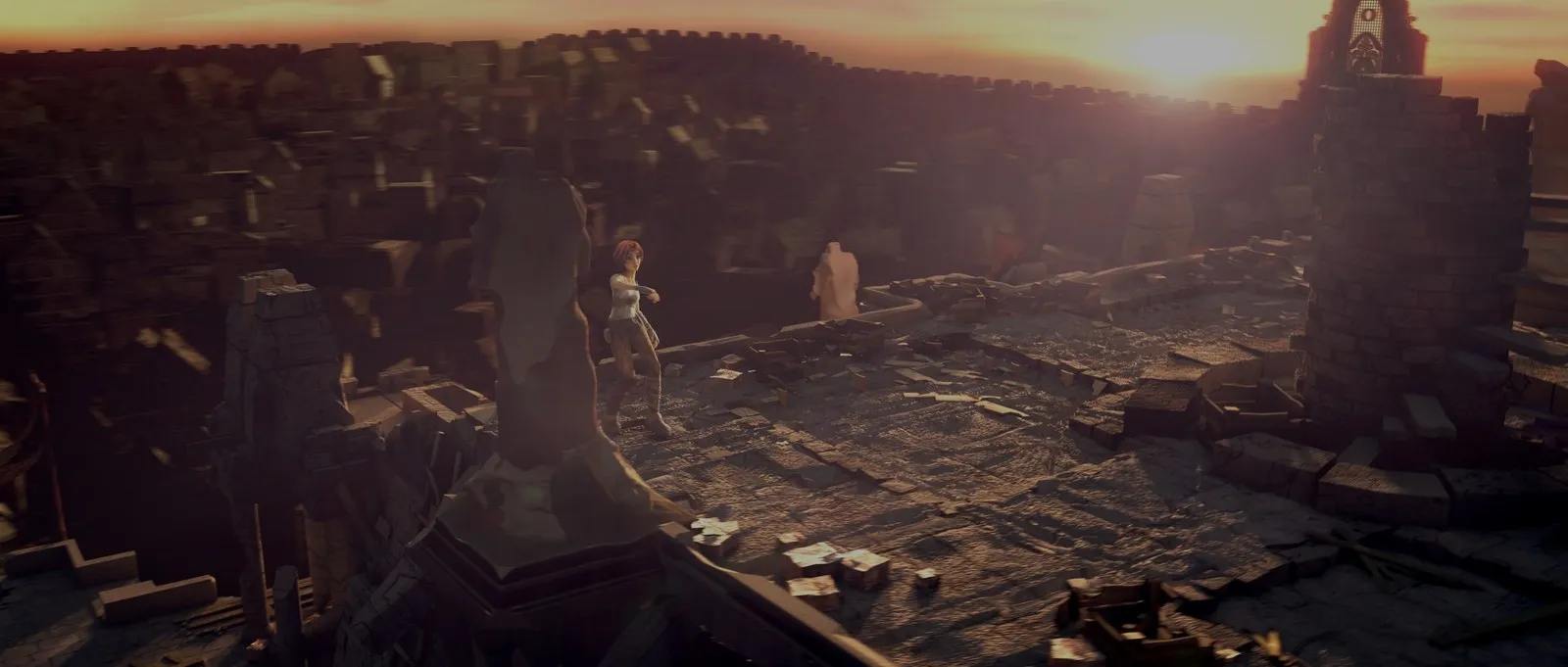
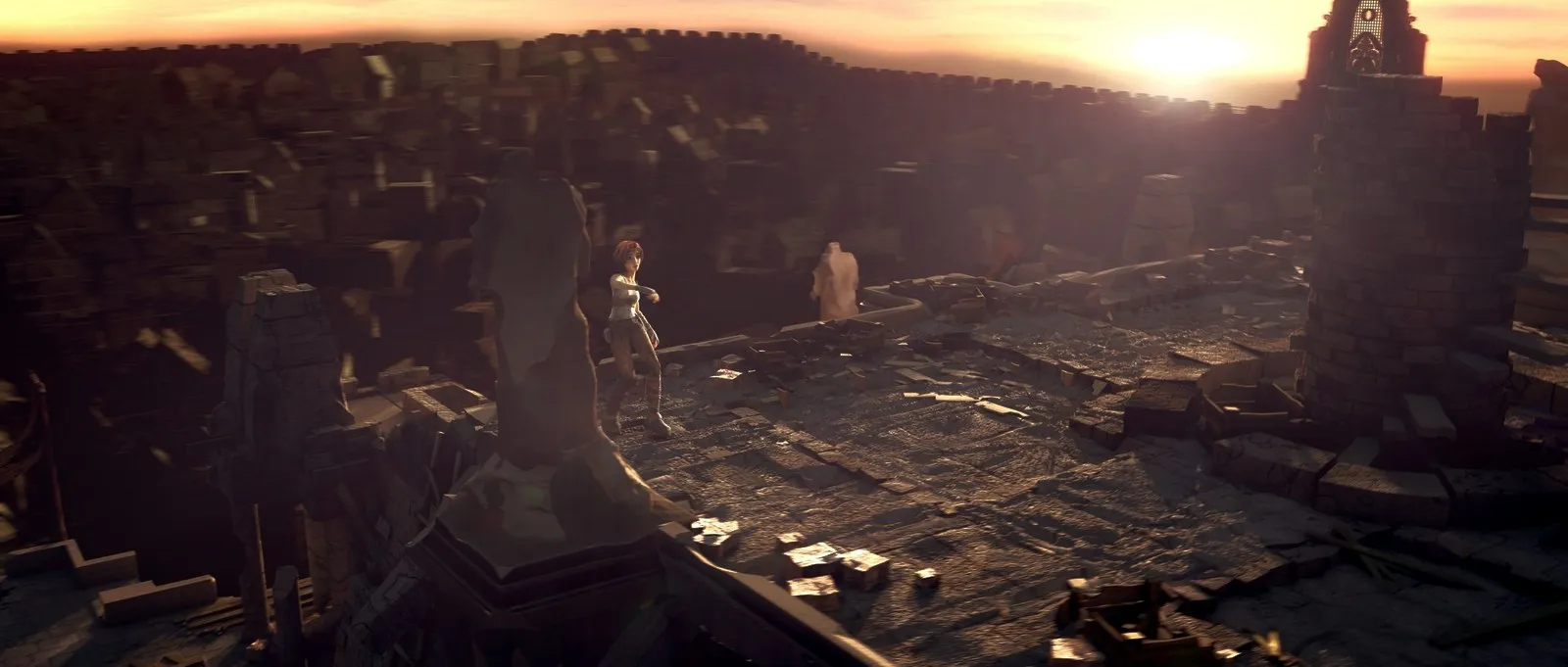
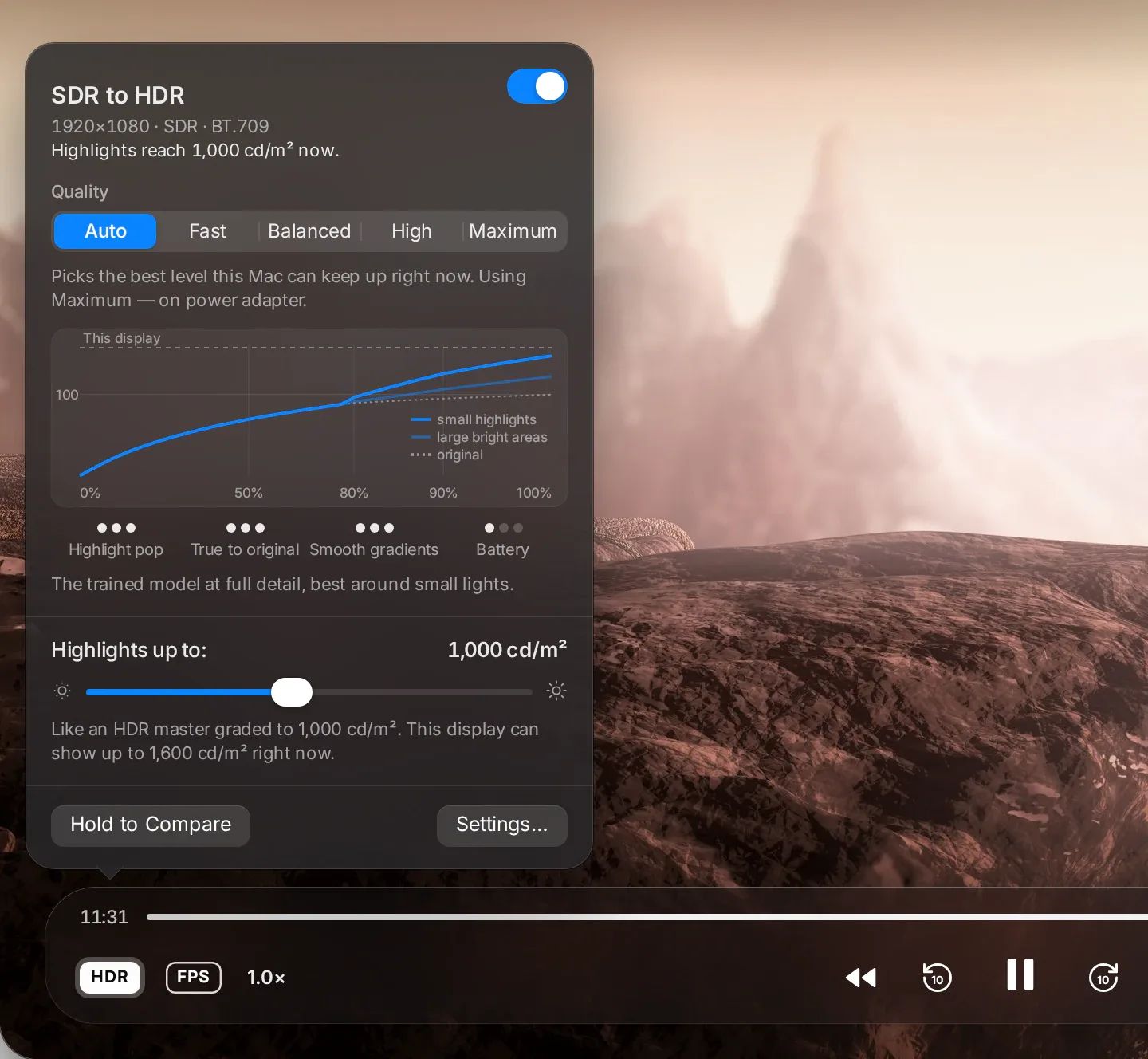
SDR → HDR Highlight Expansion

Standard Dynamic Range (SDR)
Expanded Range (PQ / Metal)

Simulated on an SDR display. The real effect requires an HDR panel.

01

The problem

Your display can go six times brighter than SDR white. Almost nothing you own asks it to.

An XDR panel has up to 6.15× display headroom waiting. Yet 99% of your media library carries zero HDR signal, leaving the panel idle.

02

Why relabelling fails

Under PQ encoding, the same raw numbers mean roughly five times the luminance.

Relabelling the file blows out the entire mid-tone range. Skin tones wash out, faces turn chalk white, and shadow separation is lost.

03

The mathematical knee

Identity at and below half SDR white. Quadratic above it.

Value and slope match the identity curve exactly at the knee. Applied to the largest color component with the full triplet scaled, so hue and saturation never shift.

04

The payoff

“Shadows and mid-tones reach your eye at exactly the brightness they always did. Only the highlights move.”

A streetlight, a glint on metal, or a bright sky are lifted into spare headroom. The rest of the scene remains untouched.

0.53 ms

per frame at 1080p (synchronous wait included)

0.91 ms

per frame at 4K (synchronous wait included)

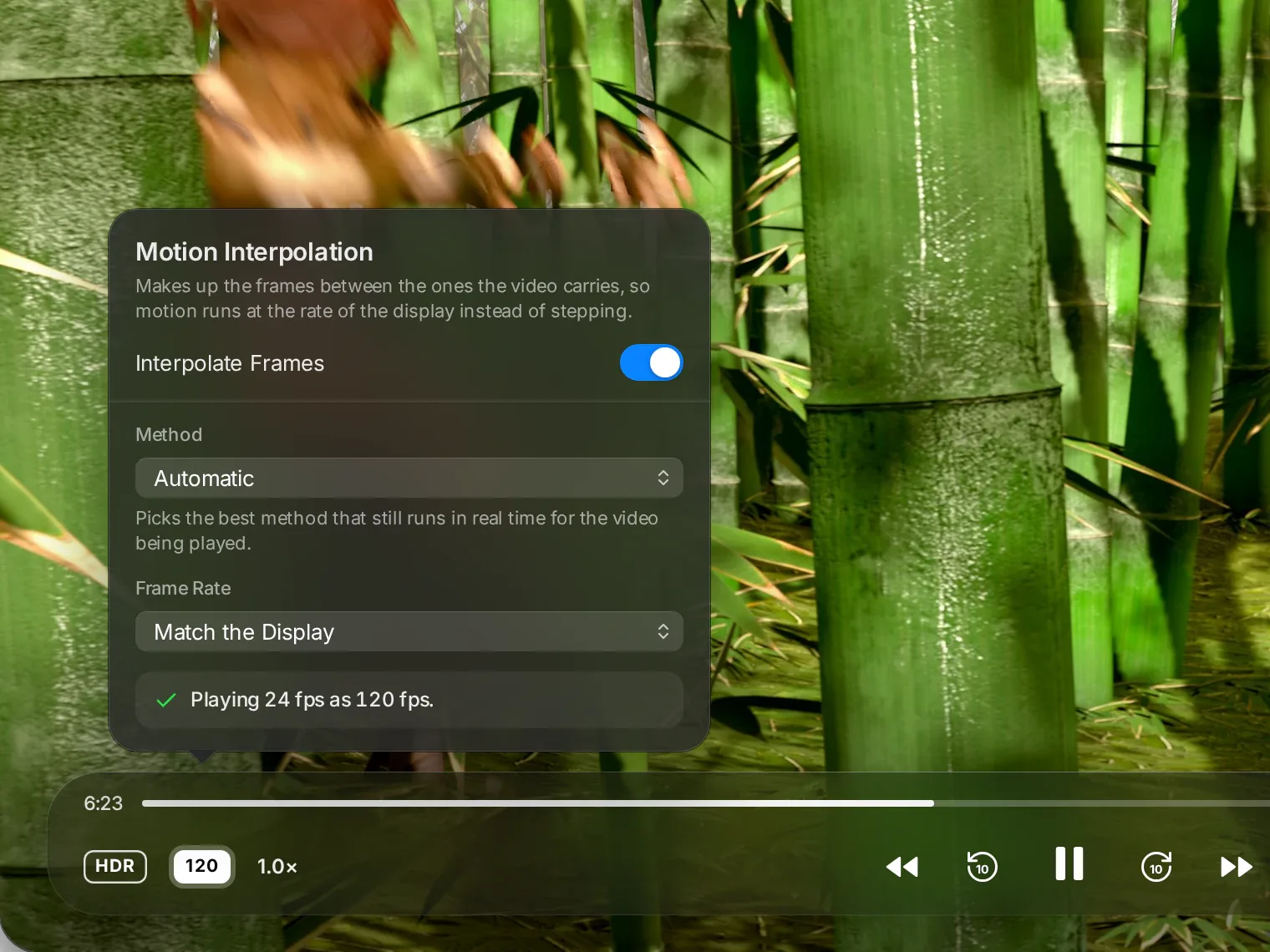
0.53 ms at 1080p. You will not notice it. You will notice the picture.

Audit of VLC 4.0.0-dev on Apple Silicon

Six defects, fixed.

An audit of VLC 4.0.0-dev on Apple Silicon found 6 confirmed defects and 9 missing capabilities in the macOS HDR path. All six defects are fixed.

01

Multi-screen headroom detection

Broken in VLC

Display headroom read once, from the main screen

What you saw

Drag the window to a second display, HDR brightness stayed wrong.

What MacLC does

Re-measured on every screen, window-move and display-profile change.

02

Preferences HDR controls

Broken in VLC

The HDR mode selector and brightness slider did nothing

What you saw

The settings were decorative.

What MacLC does

Both wired live — they take effect during playback.

03

HDR to SDR tone mapping

Broken in VLC

No tone-mapping path to SDR

What you saw

HDR film on a normal display clipped to flat white.

What MacLC does

A real conversion, with a correct fallback on older macOS.

04

Subtitle luminance over HDR

Broken in VLC

Subtitles untagged over HDR video

What you saw

White subtitles rendered at full HDR luminance — searingly bright over dark scenes.

What MacLC does

Subtitles pinned to SDR and scaled to the ITU-R BT.2408 203-nit reference white.

05

High bit-depth pipeline

Broken in VLC

Video above 10-bit downsampled to 8-bit

What you saw

12-bit and 16-bit sources lost detail before reaching the screen.

What MacLC does

Full 10-bit path preserved; 16-bit 4:2:2 wired through.

06

Sub-4K stream tagging

Broken in VLC

Sub-4K HDR mis-tagged, zero-nit mastering volume emitted

What you saw

Wide-gamut content played through the wrong primaries.

What MacLC does

Correct tagging per stream.

Beyond the fixes

New capabilities in the macOS pipeline

Engineered specifically for Apple Silicon hardware decoders, display engines, and modern HDR formats.

Hardware AV1 on M3 & M4

VideoToolbox hardware decode gated on physical chip capability. Clean software fallback elsewhere.

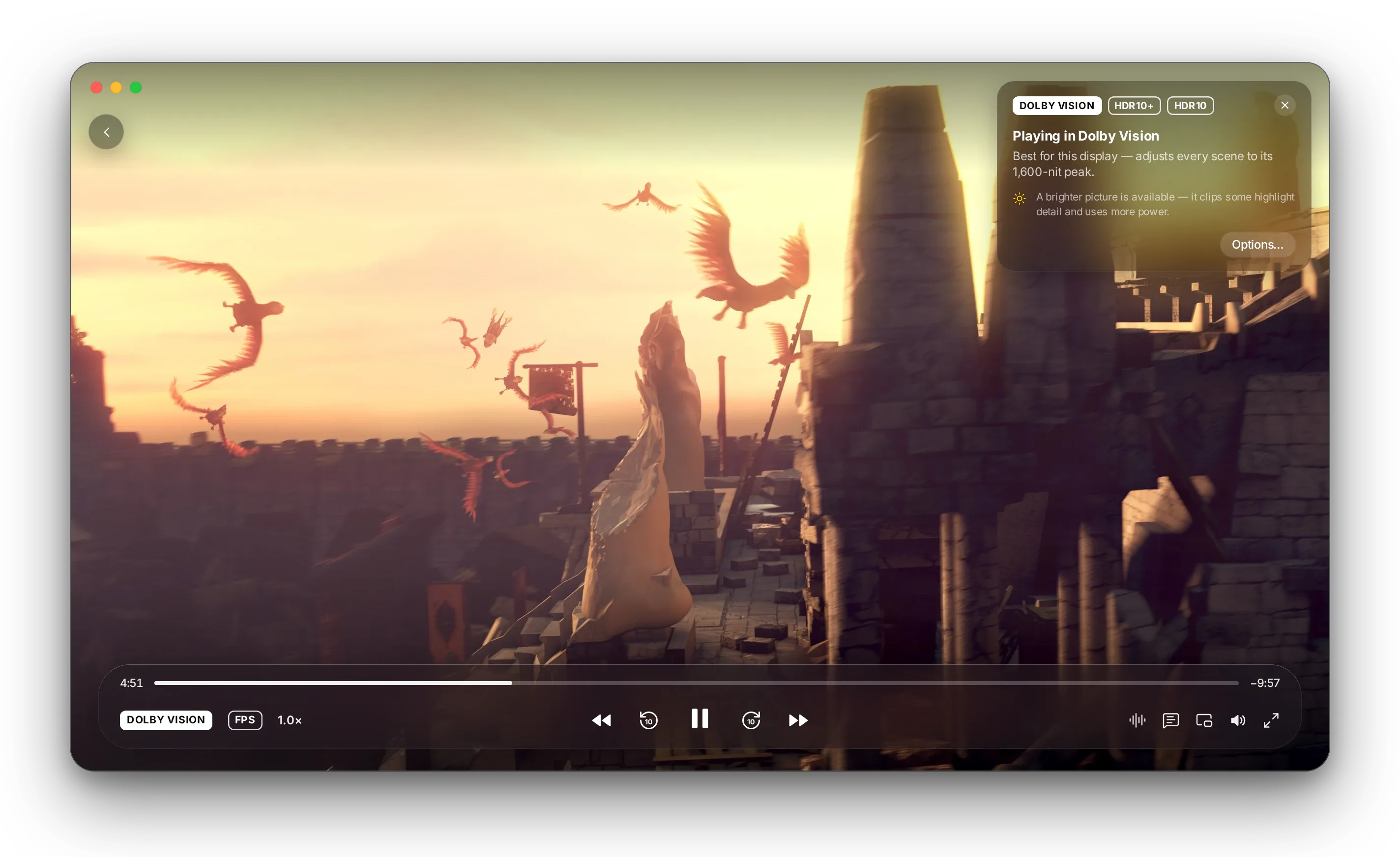
HDR10+ Dynamic Metadata

Carried end-to-end through the filter pipeline without stripping frame-by-frame metadata.

Dolby Vision Extraction

Hardened bitstream parsers, resolving an upstream bug where Dolby Vision was dropped on frame one.

ARM64 NEON Conversions

Hand-written vector SIMD chroma routines replacing legacy scalar loops on CPU decode.

OpenGL 4.1 / 3.2 Core Profile

64-bit color support unblocking libplacebo shader stages previously failing on legacy profiles.

ST 2086 & CTA-861.3 Metadata

Mastering display color volume and content light levels forwarded directly to macOS display services.

Per-Window ICC Profiling

Color management reads the ICC profile from the current display surface rather than the primary monitor.

The Settings Philosophy

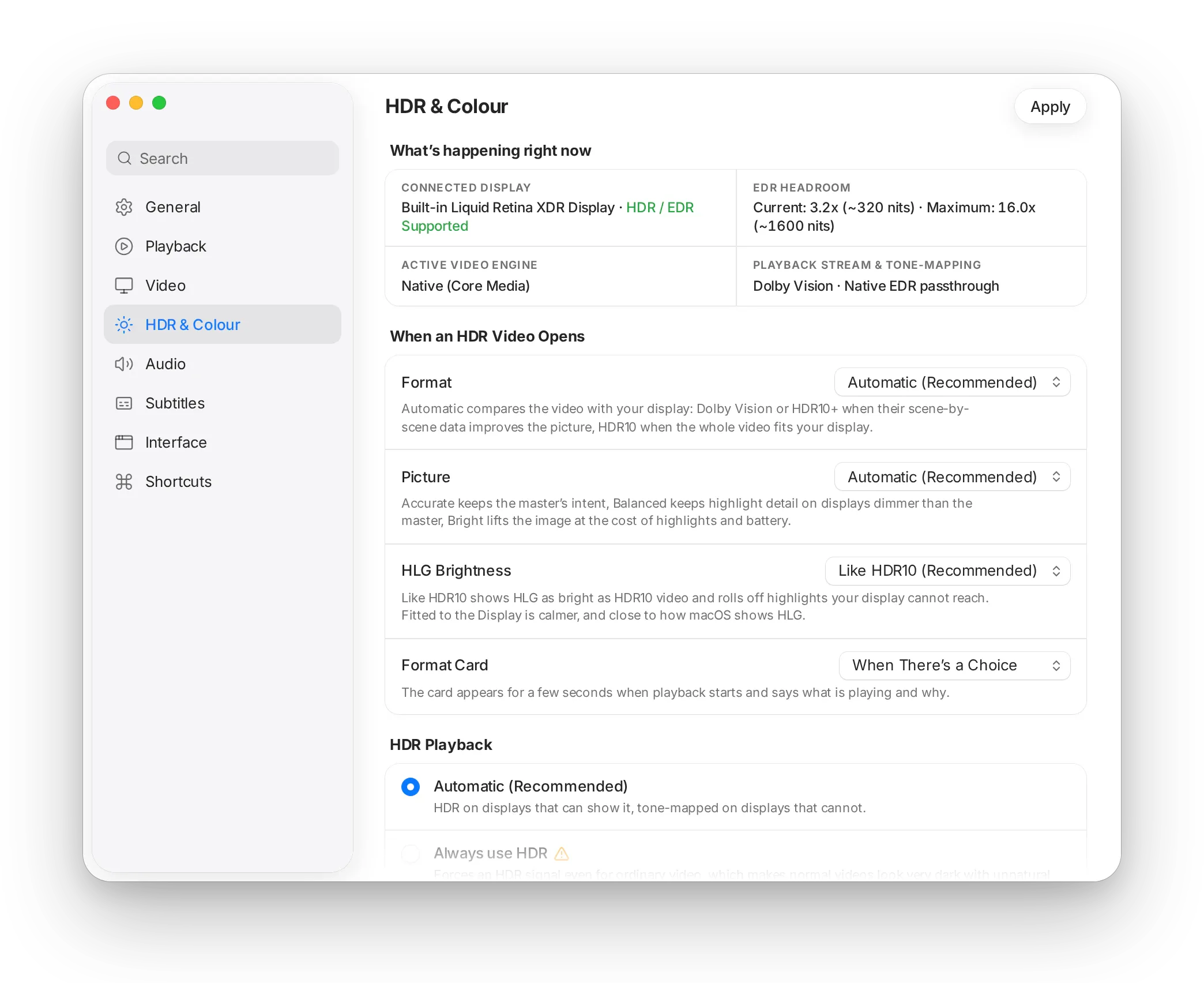
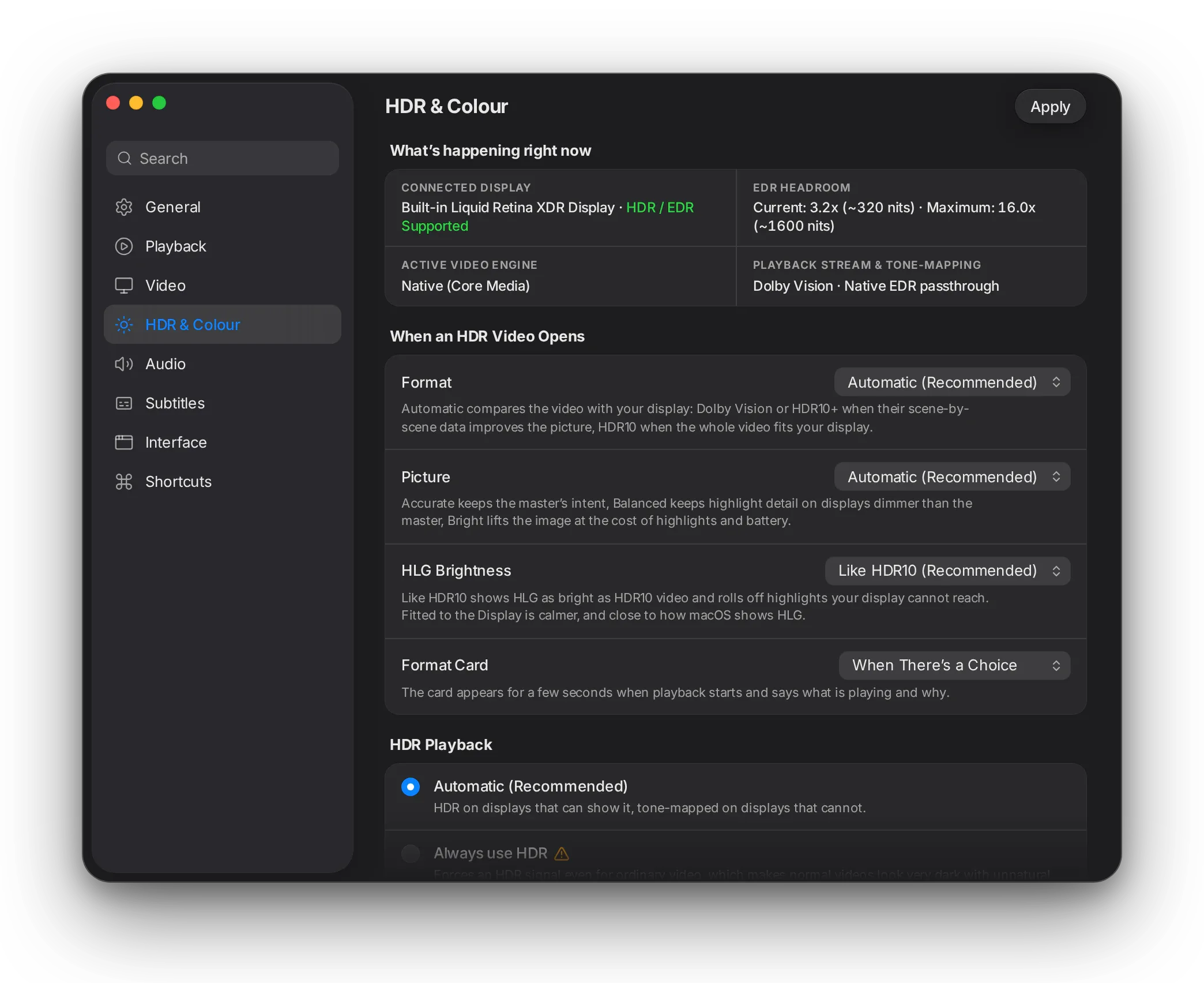
Settings that explain themselves.

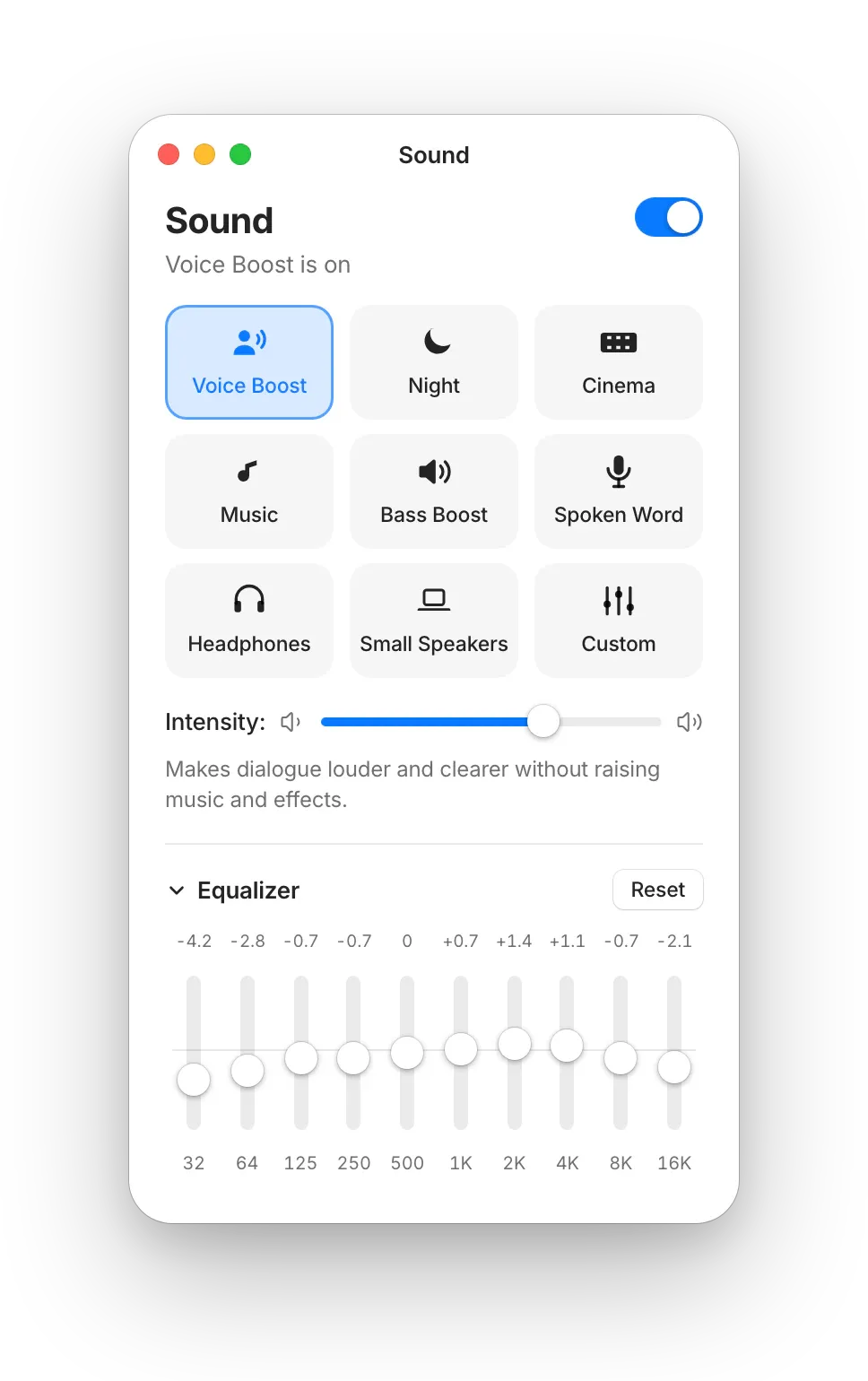
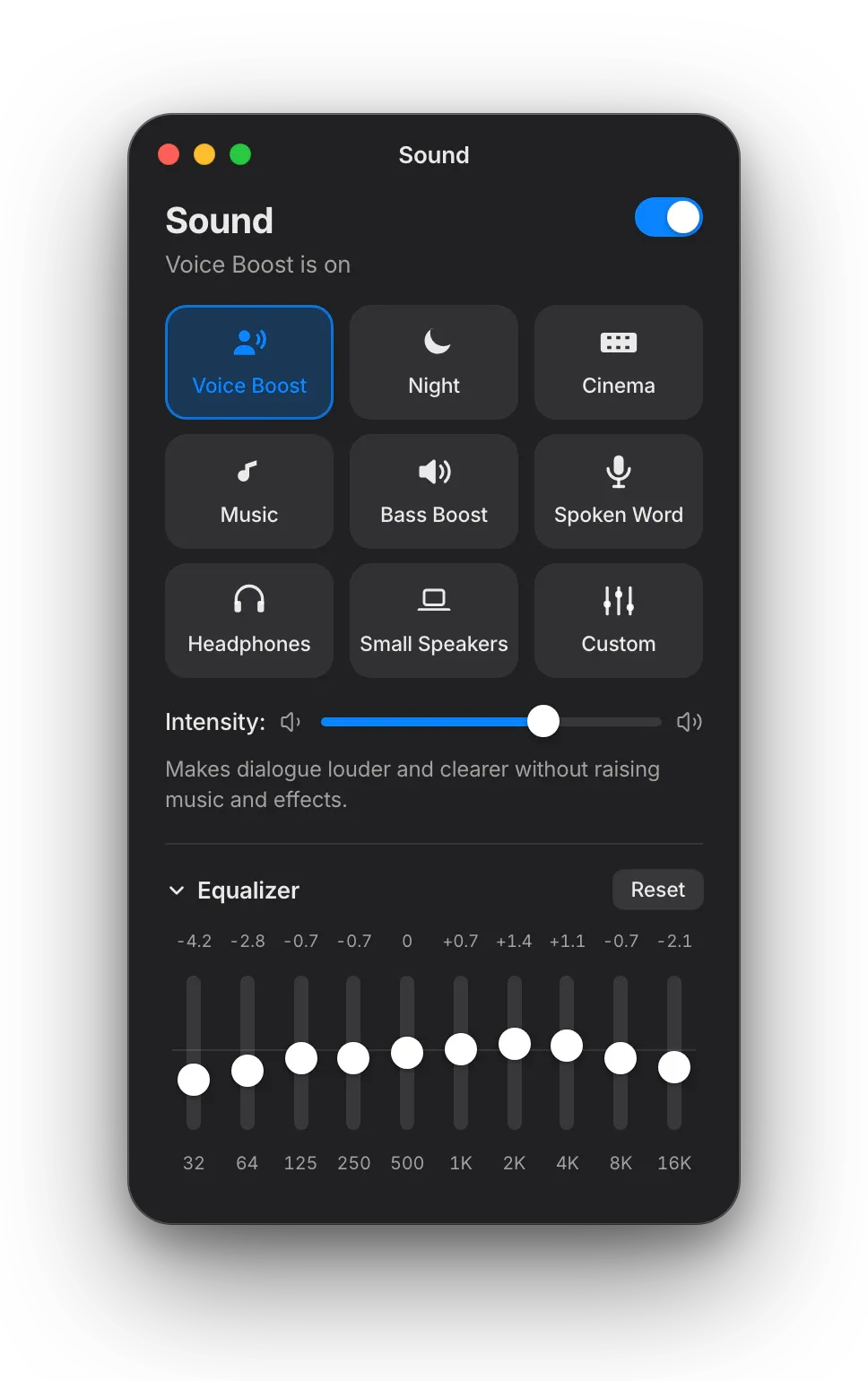
VLC has thousands of unexplained controls scattered across an advanced tree. MacLC reorganizes preferences around human perception: every option tells you what you will see or hear.

What MacLC shows you
“highlights keep detail but the picture is dimmer overall”

Warm. Readable. Explains the perceptual consequence in plain English.

What software usually gives you

applies a BT.2390 EETF

Cold. Cryptic. Requires an engineering degree to adjust picture brightness.

Interface reconstruction.

Interface reconstruction.

Eight curated panes

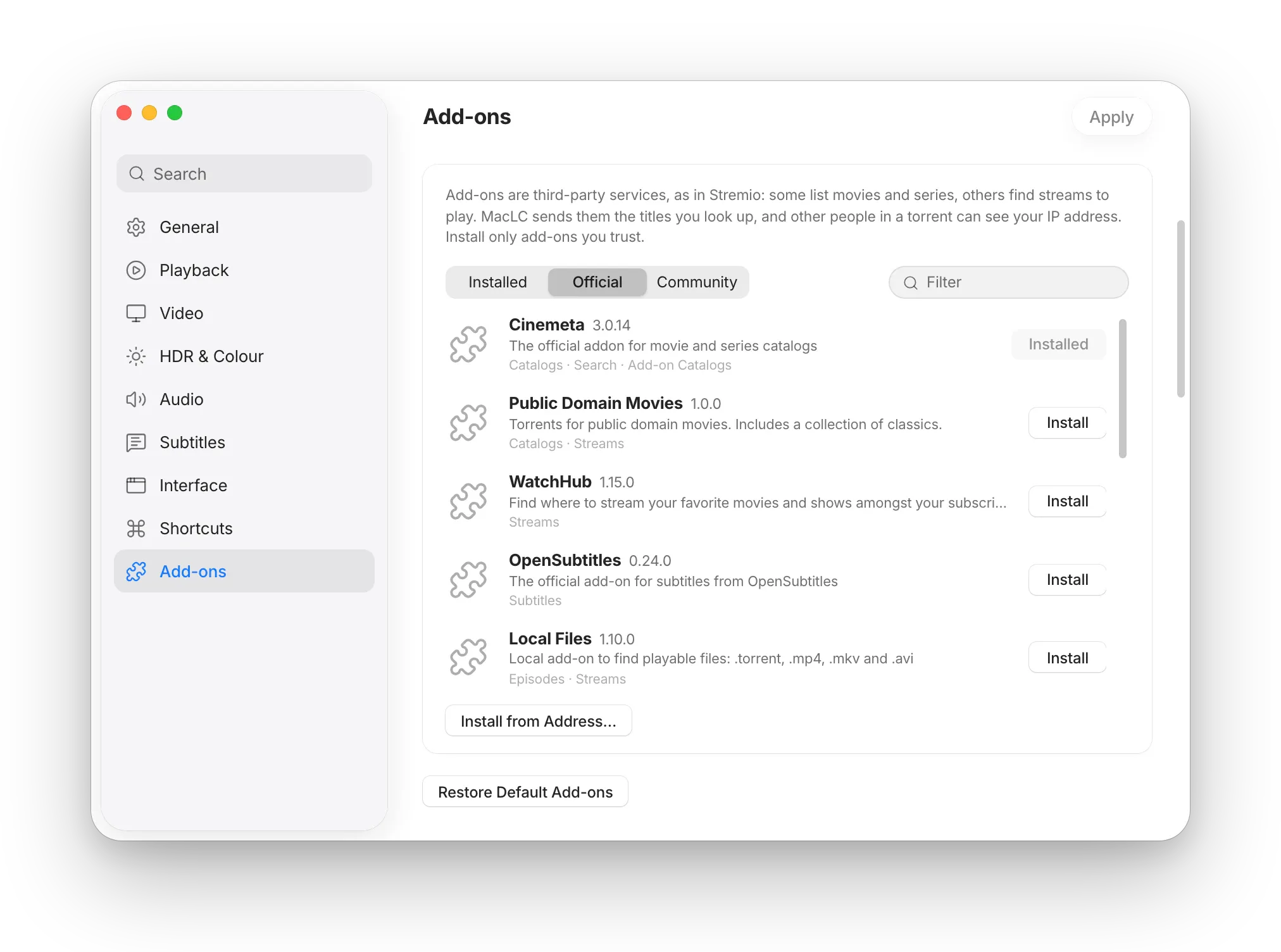
General · Playback · Video · HDR & Colour · Audio · Subtitles · Interface · Shortcuts. Search filters across row labels, descriptions, and underlying keywords simultaneously.

Nothing decorative

Every single control is verified wired to a real engine option in the build. If an option is unsupported on your hardware, the row is omitted rather than drawn disabled.

The power user tree remains

Nothing was removed. The full upstream advanced module tree is untouched and still reachable when you need granular engine flags.

Startup Self-Check 8 panes, 8 ok, 0 failed

240 guarded config reads

Upstream, opening the Interface pane aborted the entire app on one build configuration when a missing option hit a hard assert(). MacLC routed all 240 configuration reads through defensive wrappers.

Native macOS Architecture

Built on the system.

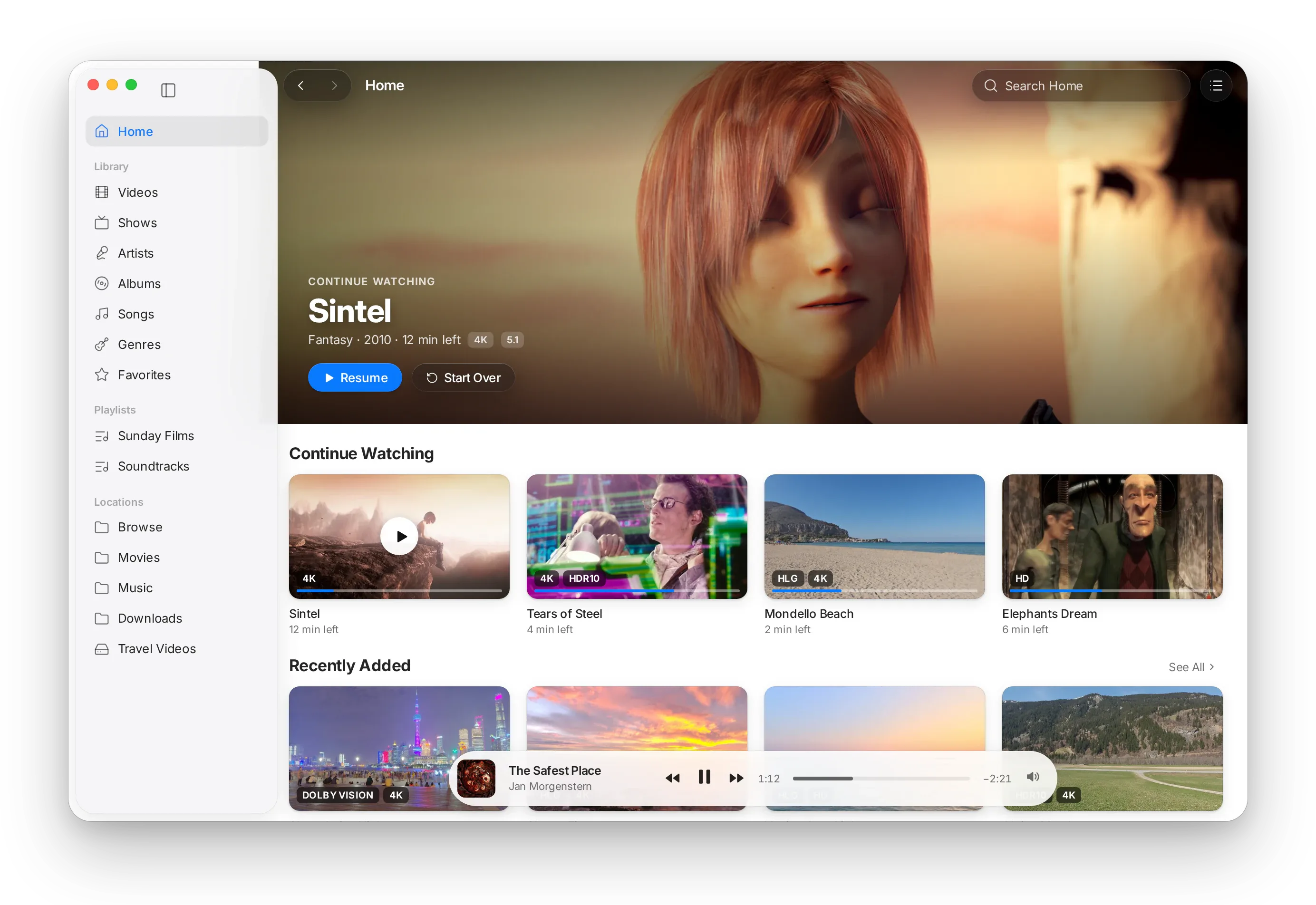
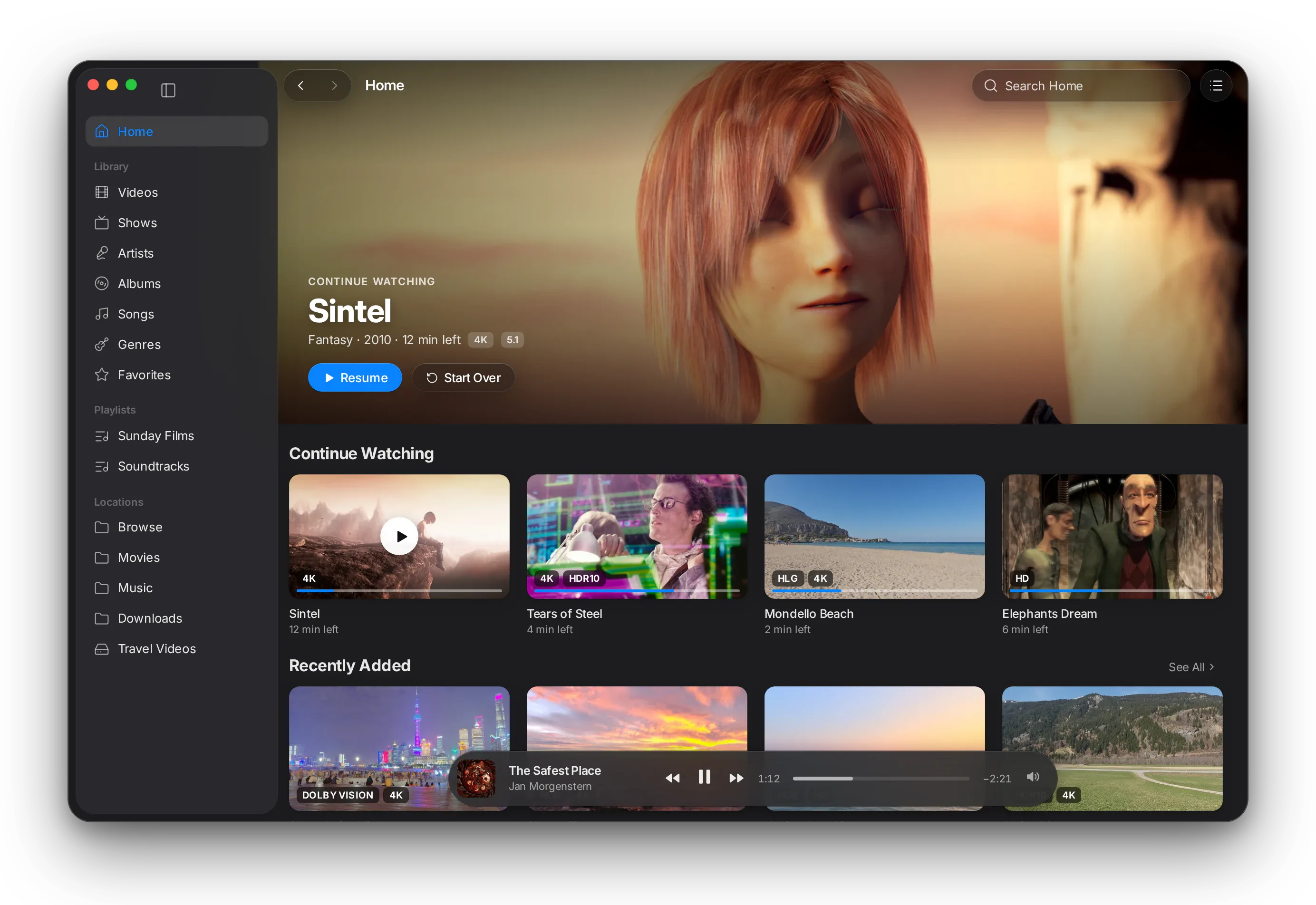
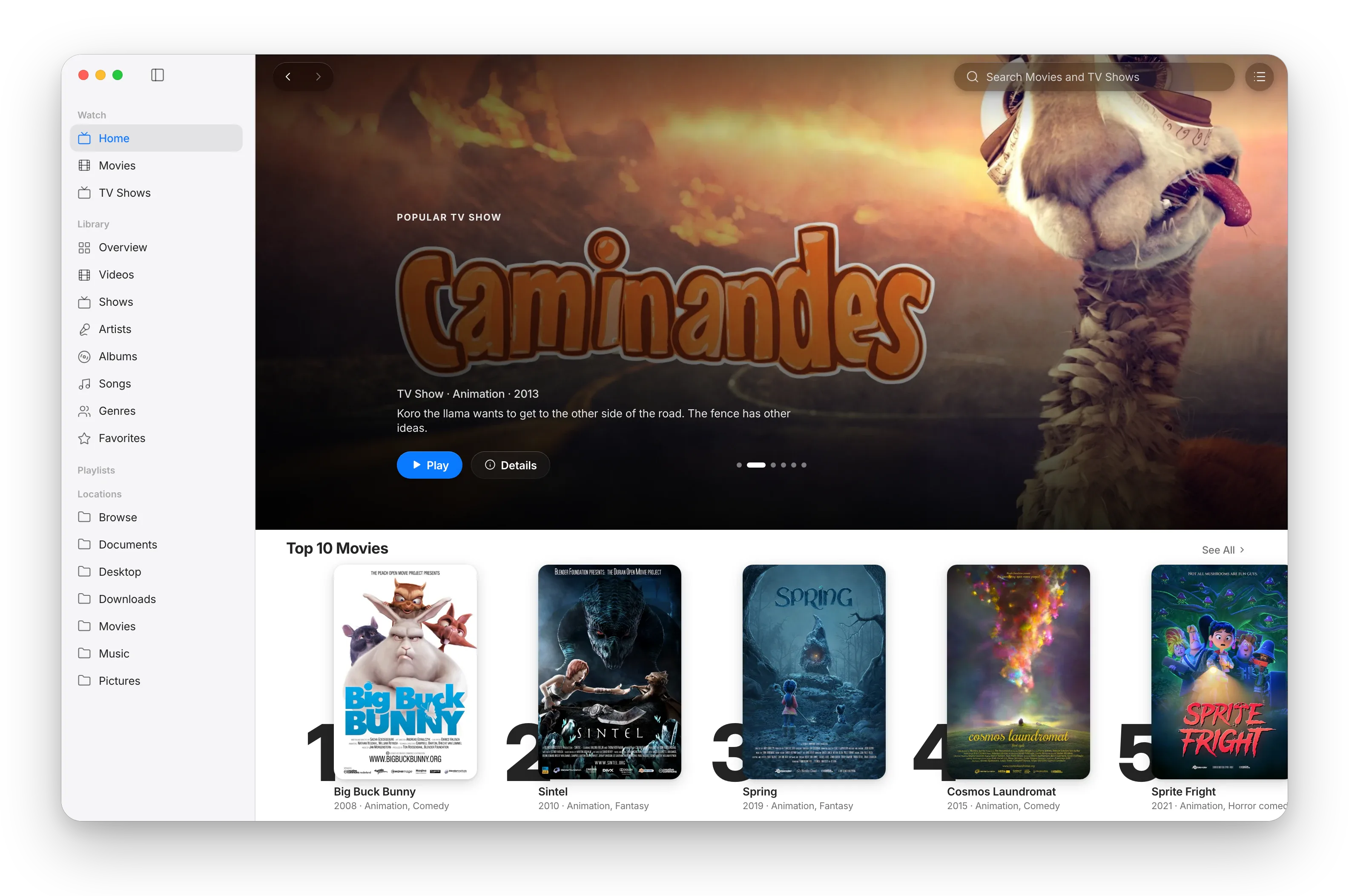
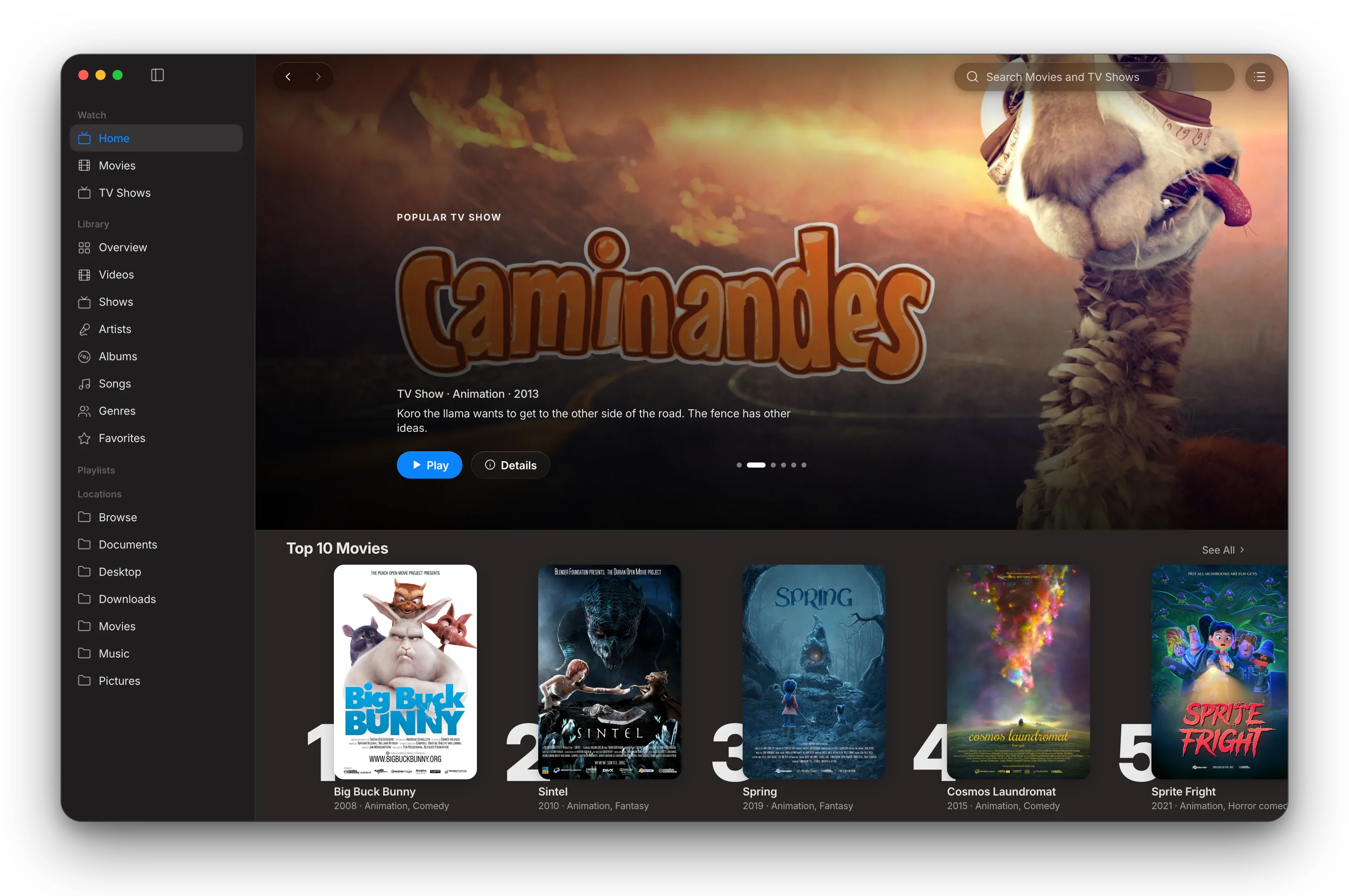
VLC draws its own custom controls that mimic older platforms. MacLC adopts the system’s actual AppKit materials, translucency, and spatial hierarchy.

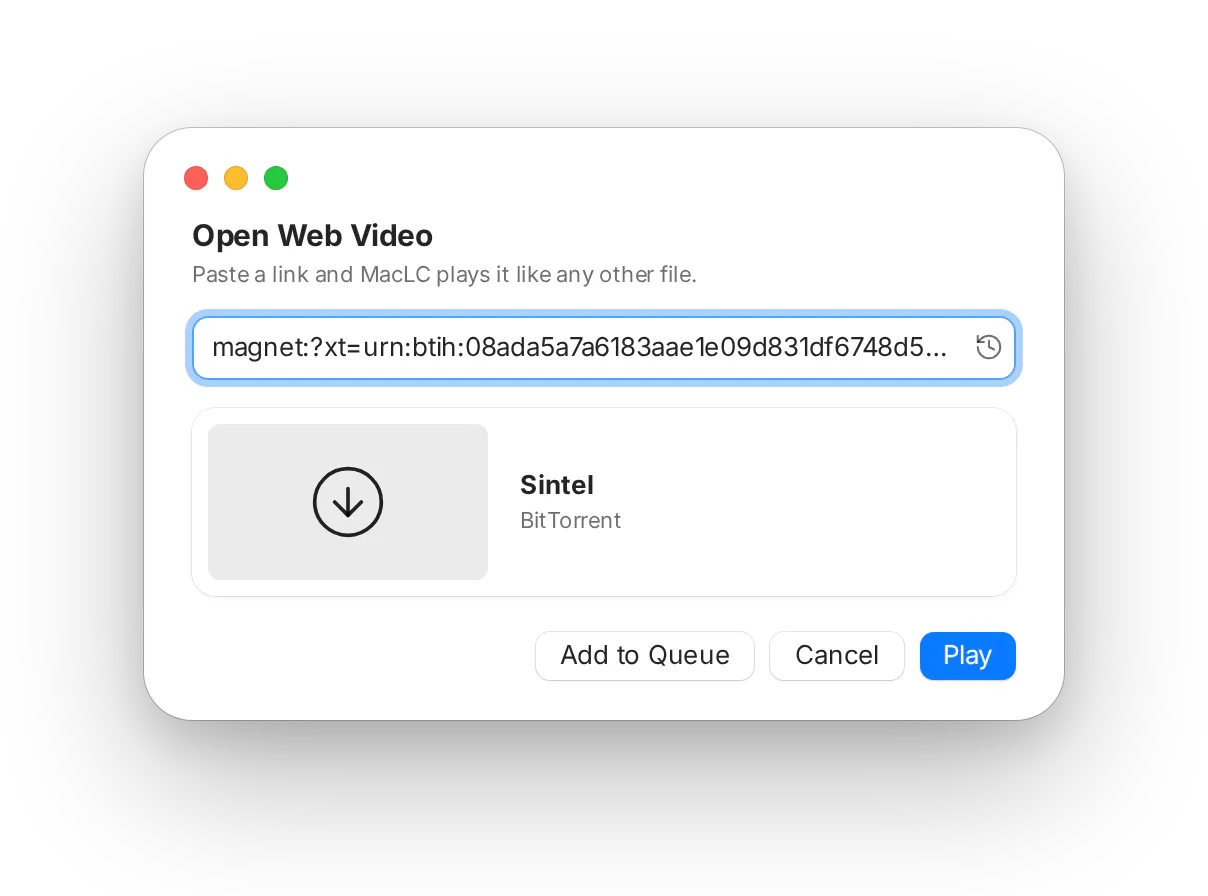
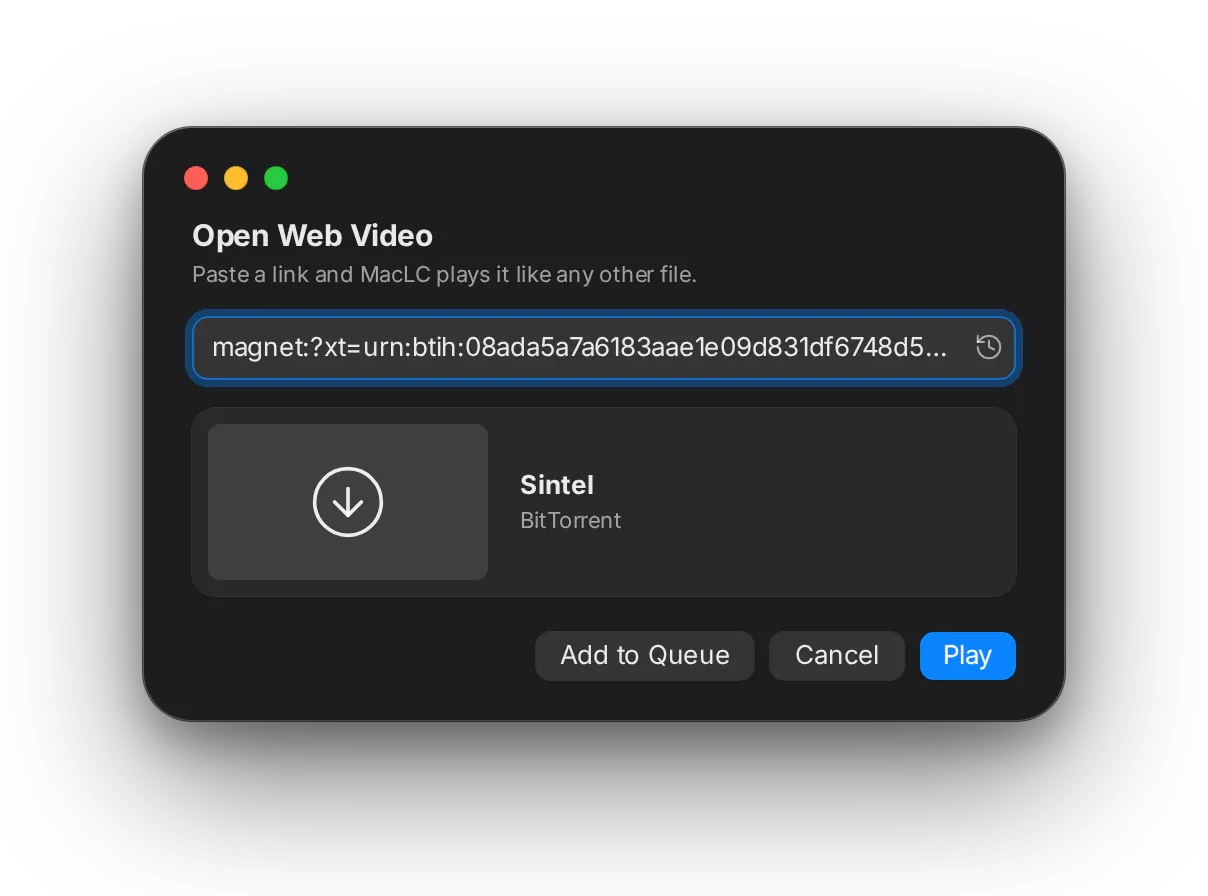
Live Material Demo

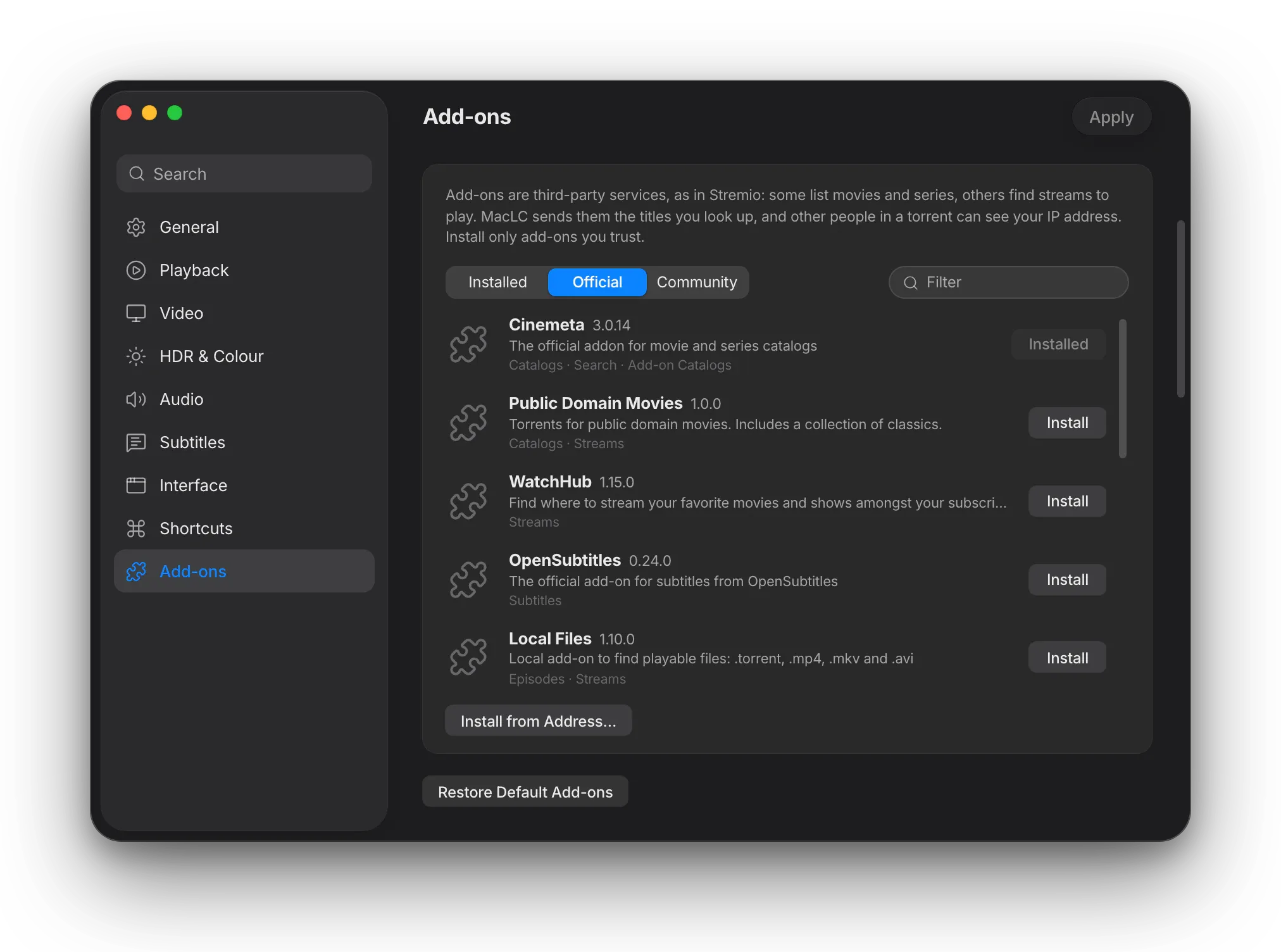
Switch appearance to see the page and HUD materials adapt instantly:

00:41:12
02:07:33

Interface reconstruction. Floating HUD on system material. Timecodes render in tabular-nums so numerals hold steady without layout jitter as playback advances.

Interface reconstruction.

Real source-list sidebar

Built with AppKit’s native source-list classes. It delivers genuine system vibrancy, spring-loaded dragging, and standard macOS collapse behavior rather than a simulated table.

Floating HUD transport

Hover playback controls float over video using Apple’s HUD material. Glyph weights, sizes, and padding strictly match macOS system media controls.

Monospaced-digit timecodes

Time labels use tabular-nums so the numbers stop shifting laterally on screen as the seconds tick forward during playback.

8-point grid & 32 pt targets

Six layout metrics moved onto the 8-point geometric scale. The small row height increased from 25 pt to 32 pt, restoring a comfortable, accessible click target.

Architectural Design System

Accessibility as architecture.

“It respects Reduce Motion, Increase Contrast and VoiceOver — because it never hardcoded around them in the first place.”

Upstream had eleven literal colour values in one file alone, font sizes typed at the call site, and corner radii that landed wherever they landed. MacLC built MacLCDesign: a single token layer defining every colour, type style, spacing, radius, material, and animation duration — all mapped directly to macOS system semantics.

Reduce Motion

Animations do not merely slow down; transforms collapse immediately to their final state, and scroll scrubbers offer instant toggle buttons.

Increase Contrast

All text and hairline tokens adapt dynamically to system contrast settings, exceeding WCAG AAA standards across both light and dark appearances.

Reduce Transparency

HUD materials and translucent panels automatically switch to opaque, high-legibility surfaces without losing structural hierarchy.

VoiceOver & Keyboard

Every interactive control is fully keyboard-reachable with high-contrast focus rings and complete VoiceOver semantic roles.

Crafted on Apple’s 824-of-1024 icon grid
App Identity

The details nobody asked for.

A superellipse, not a rounded rectangle

Standard circular corner radii look visibly out of place beside native macOS applications. MacLC’s container is plotted using a Lamé superellipse curve (|x/a|^4.5 + |y/b|^4.5 = 1) on Apple’s 824-of-1024 grid. At 16 points in the Dock, that mathematical curvature is what makes an icon look unmistakably native.

The bloom is the only color

The icon’s body is pure graphite and brushed metal. The radial amber bloom behind the play triangle is the single place saturated color appears anywhere in the artwork. Because the rest of the icon remains neutral, the bloom reads as pure illumination rather than simply orange paint.

Committed code, not an opaque asset

The icon geometry, gradients, and specular rims are defined by an executable program checked directly into the repository. Every contour can be inspected, tweaked, diffed in code reviews, and regenerated deterministically.

Its own bundle identifier

MacLC uses org.maclc.MacLC. When upstream builds shared VLC’s bundle identifier, macOS resolved windows to VLC.app, causing Stage Manager and Dock menus to collide. On first launch, MacLC safely copies your existing VLC preferences and defaults across — leaving your original install completely untouched.

Competitive Framing

The intersection nobody had built.

VLC plays everything and doesn’t feel like a Mac app. QuickTime feels perfect and won’t open your file. Infuse is beautiful and asks for a subscription. IINA is genuinely lovely and doesn’t go where MacLC goes on HDR. MacLC is the intersection nobody had built.
Comparison matrix of MacLC against VLC, IINA, Infuse, Movist Pro, and QuickTime Player across key features, display architecture, and licensing.
Capability
MacLC This app
VLC
IINA
Infuse
Movist Pro
QuickTime Player
Plays essentially any format or container
Yes Yes
Full libvlccore engine
Yes Yes
Reference demuxer and decoder library
Yes Yes
Based on ffmpeg and mpv
Yes Yes
Broad container and codec support
Yes Yes
ffmpeg-based custom pipeline
No No
Limited to Apple-supported MP4 and MOV codecs
Native macOS interface
Yes Yes
Full AppKit source list, HUD controls, 8-pt grid
No No
Legacy custom controls, no system materials
Yes Yes
Purpose-built AppKit interface for macOS
Yes Yes
Polished Apple platform interface
Yes Yes
Native macOS controls and panels
Yes Yes
First-party system interface
SDR → HDR highlight expansion on native display path
Yes Yes
Custom Metal shader on AVFoundation path; 0.53 ms at 1080p, 0.91 ms at 4K
No No
No No
No AVFoundation display path or accessible toggle
No No
Strict HDR passthrough only
No No
No No
Open source and auditable
Yes GPL v2+
libvlccore LGPL v2.1+; complete source on GitHub
Yes GPL v2+
libVLC LGPL v2.1+; complete source available
Yes GPL v3
Complete source on GitHub
No Proprietary
No Proprietary
No Proprietary

MacLC

This app
Plays essentially any format or container
Yes Yes
Full libvlccore engine
Native macOS interface
Yes Yes
Full AppKit source list, HUD controls, 8-pt grid
SDR → HDR highlight expansion on native display path
Yes Yes
Custom Metal shader on AVFoundation path; 0.53 ms at 1080p, 0.91 ms at 4K
Open source and auditable
Yes GPL v2+
libvlccore LGPL v2.1+; complete source on GitHub

VLC

Plays essentially any format or container
Yes Yes
Reference demuxer and decoder library
Native macOS interface
No No
Legacy custom controls, no system materials
SDR → HDR highlight expansion on native display path
No No
Open source and auditable
Yes GPL v2+
libVLC LGPL v2.1+; complete source available

IINA

Plays essentially any format or container
Yes Yes
Based on ffmpeg and mpv
Native macOS interface
Yes Yes
Purpose-built AppKit interface for macOS
SDR → HDR highlight expansion on native display path
No No
No AVFoundation display path or accessible toggle
Open source and auditable
Yes GPL v3
Complete source on GitHub

Infuse

Plays essentially any format or container
Yes Yes
Broad container and codec support
Native macOS interface
Yes Yes
Polished Apple platform interface
SDR → HDR highlight expansion on native display path
No No
Strict HDR passthrough only
Open source and auditable
No Proprietary

Movist Pro

Plays essentially any format or container
Yes Yes
ffmpeg-based custom pipeline
Native macOS interface
Yes Yes
Native macOS controls and panels
SDR → HDR highlight expansion on native display path
No No
Open source and auditable
No Proprietary

QuickTime Player

Plays essentially any format or container
No No
Limited to Apple-supported MP4 and MOV codecs
Native macOS interface
Yes Yes
First-party system interface
SDR → HDR highlight expansion on native display path
No No
Open source and auditable
No Proprietary
Project Status

Where the project is.

The engineering is measured. Now it needs human eyes.

The mathematics is verified across the full signal range against an independently written CPU reference. Bit accuracy confirms true 10-bit output without padding noise, and frame execution clocks at 0.53 ms.

What has not yet happened is extensive human visual review. Two things need critical eyes: the interface redesign in daily use, and the aesthetic appearance of the SDR → HDR grade across different genres and masters.

Nobody has sat in front of an XDR display on five hundred films and confirmed every edge case looks natural. We are releasing this as early access to something being built properly, not as an apology. If you own an Apple Silicon Mac with an HDR panel, you can help test and refine the grade.

Get MacLC

Everything VLC can play.
Finally built like a Mac app.

Full codec compatibility from libvlccore. Pure AppKit interface. A Metal pipeline tuned for Apple Silicon HDR displays.