SDR to HDR: can you turn ordinary video into HDR?
Can you convert SDR video to HDR? Learn how inverse tone mapping works, why crude conversions look fake, and how MacLC expands SDR highlights in real time.
In short
- Inverse tone mapping expands standard video into HDR by lifting specular highlights while keeping midtones and shadows untouched.
- Crude SDR-to-HDR converters look fake because lifting overall brightness washes out skin tones, turns walls radioactive, and greys out blacks.
- Intelligent algorithms leave everything below half of SDR white alone, applying expansion curves only to real light sources like sun, lamps, and fire.
- Real-time in-player expansion eliminates the need for multi-hour offline re-encoding and adapts dynamically to your screen's live headroom.
- MacLC delivers real-time SDR to HDR on Apple Silicon Macs; its neural levels take about half a millisecond per 1080p frame on an M3 Max.
On this page
- What is inverse tone mapping, and how does it work?
- Why do cheap “fake HDR” filters look so terrible?
- What does good SDR to HDR expansion actually do?
- Offline conversion vs real-time playback: why re-encoding is obsolete
- The Windows approach: NVIDIA RTX Video HDR
- How MacLC brings real-time SDR to HDR to Apple Silicon
- The hard limits: what SDR to HDR cannot do
- How to test SDR to HDR on your Mac
You can turn ordinary Standard Dynamic Range (SDR) video into High Dynamic Range (HDR) using a technology called inverse tone mapping. Rather than brightening the entire video uniformly, sophisticated inverse tone mapping algorithms analyze frames in real time, leaving shadows, skin tones, and background textures completely untouched while selectively expanding bright light sources—such as street lamps, fire, chrome reflections, and sunlight—into your screen’s peak HDR headroom.
While Windows PC users have had real-time SDR-to-HDR conversion through NVIDIA’s RTX Video HDR since early 2024, Mac users had no real-time equivalent, only slow offline conversion. Modern Apple Silicon architecture changes that reality: real-time inverse tone mapping integrated directly into an HDR-aware media player allows classic films, television series, and anime to shine on Liquid Retina XDR displays without generating bloated files or distorting cinematic color balance.
What is inverse tone mapping, and how does it work?
To understand inverse tone mapping (ITM), it helps to understand standard tone mapping first. When a movie is mastered for a 4,000-nit HDR grading monitor and played on a 600-nit television, tone mapping compresses the out-of-range highlights to fit within the screen’s lower physical ceiling. Inverse tone mapping does the exact opposite: it takes a video mastered for a vintage 100-nit SDR ceiling and expands its luminance upward to populate the capabilities of modern 1,000-nit or 1,600-nit displays.
SDR video is mastered for a reference white of about 100 nits, on displays whose response is described in Recommendation ITU-R BT.1886. Everything in an SDR picture, from black to the brightest lamp, has to fit below that white.
When displaying that SDR signal on an HDR screen, the simplest mathematical approach is linear scaling: multiplying every pixel’s luminance value by an arbitrary scalar factor. However, linear scaling destroys the artistic balance of the picture. An interior scene that was supposed to look dimly lit suddenly blazes with the intensity of an outdoor sporting event, and delicate shadow textures vanish into harsh contrast.
Inverse tone mapping avoids this mistake by replacing linear scaling with non-linear, luminance-dependent transfer functions. It treats different brightness bands within the video frame according to their physical nature in the real world.
Why do cheap “fake HDR” filters look so terrible?
Many video players and budget televisions feature generic “HDR Effect” or “Dynamic Contrast” toggles that produce an unappealing, artificial picture often derided by viewers as “fake HDR.”
These rudimentary filters fail because they treat every bright pixel as if it were a direct light source. In the physical world, surfaces reflect light diffusely; they do not emit light. A white wall in a living room might sit at 80 percent of SDR white in a video, while a bare lightbulb in a lamp sits at 100 percent, only slightly higher, though in reality it is hundreds of times brighter.
When a crude filter applies a global S-curve or saturation boost to that frame, the consequences are immediately jarring:
- Sunburned Skin Tones: Human skin tones typically sit between 35 percent and 55 percent of SDR white. When boosted indiscriminately, actors’ faces appear greasy, plastic, or severely sunburned.
- Radioactive Surfaces: Matte surfaces like kitchen counters, paper documents, and white cotton t-shirts glow with unnatural luminescence, distracting the viewer from the actual focal point of the scene.
- Washed-Out Shadows: Raising black levels to simulate shadow detail turns deep cinematic shadows into milky grey wash, destroying perceived contrast.
- Color Shifting: Boosting brightness without proper chromaticity management pulls saturated hues toward pastel white clipping, turning deep red brake lights into chalky pink blobs.
True high dynamic range is not about making scenes brighter across the board. It is about creating dramatic contrast between soft ambient room illumination and genuine light emitters.
What does good SDR to HDR expansion actually do?
High-fidelity inverse tone mapping respects the original creative intent of the director and colorist by enforcing strict mathematical thresholds across the image.
First, a good algorithm anchors the lower and middle regions of the tonal curve. In MacLC, everything below half of SDR white is left untouched: shadows, room ambiance, dark clothing and most skin tones keep their exact SDR values.
Second, the curve bends upward above that threshold, progressively: a white shirt collar just above it gets a small lift, while a sparkling highlight near full white gets the full boost (4 times SDR white by default in MacLC), into the screen’s highlight range.
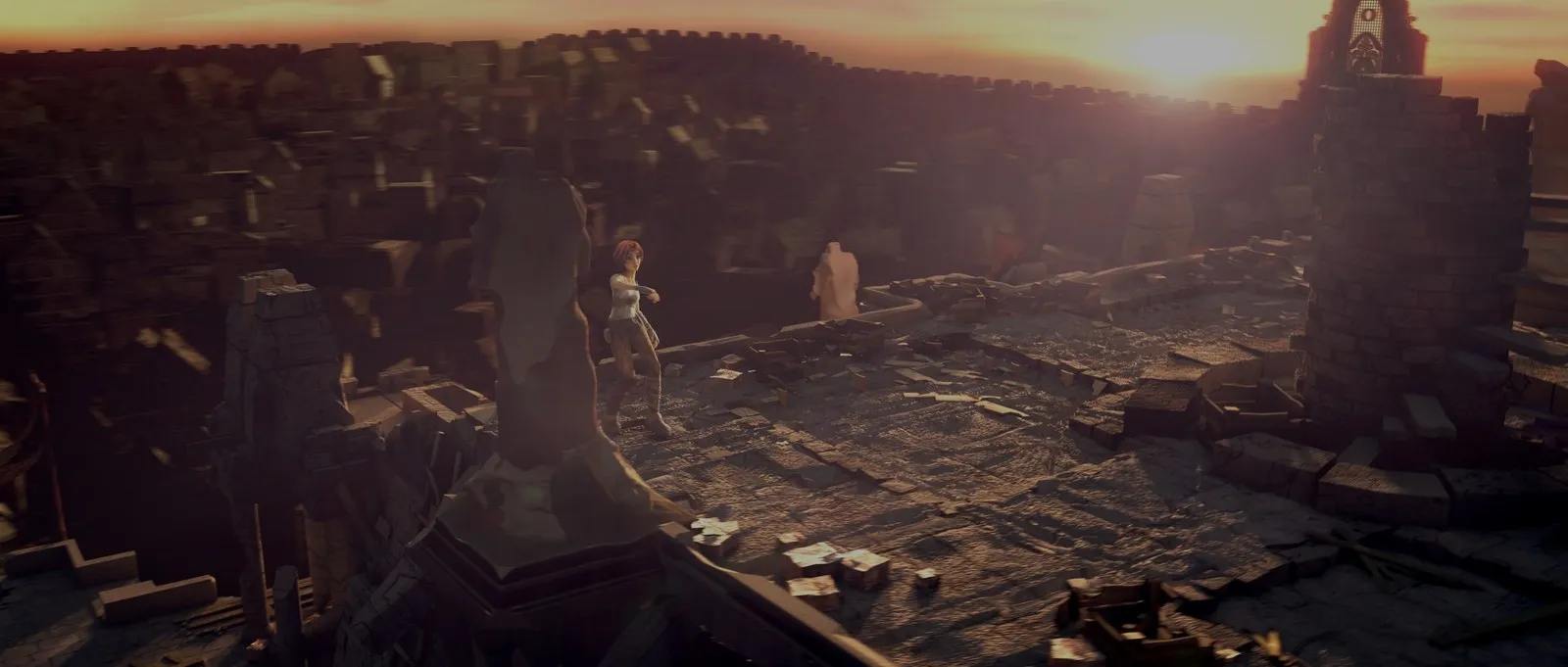
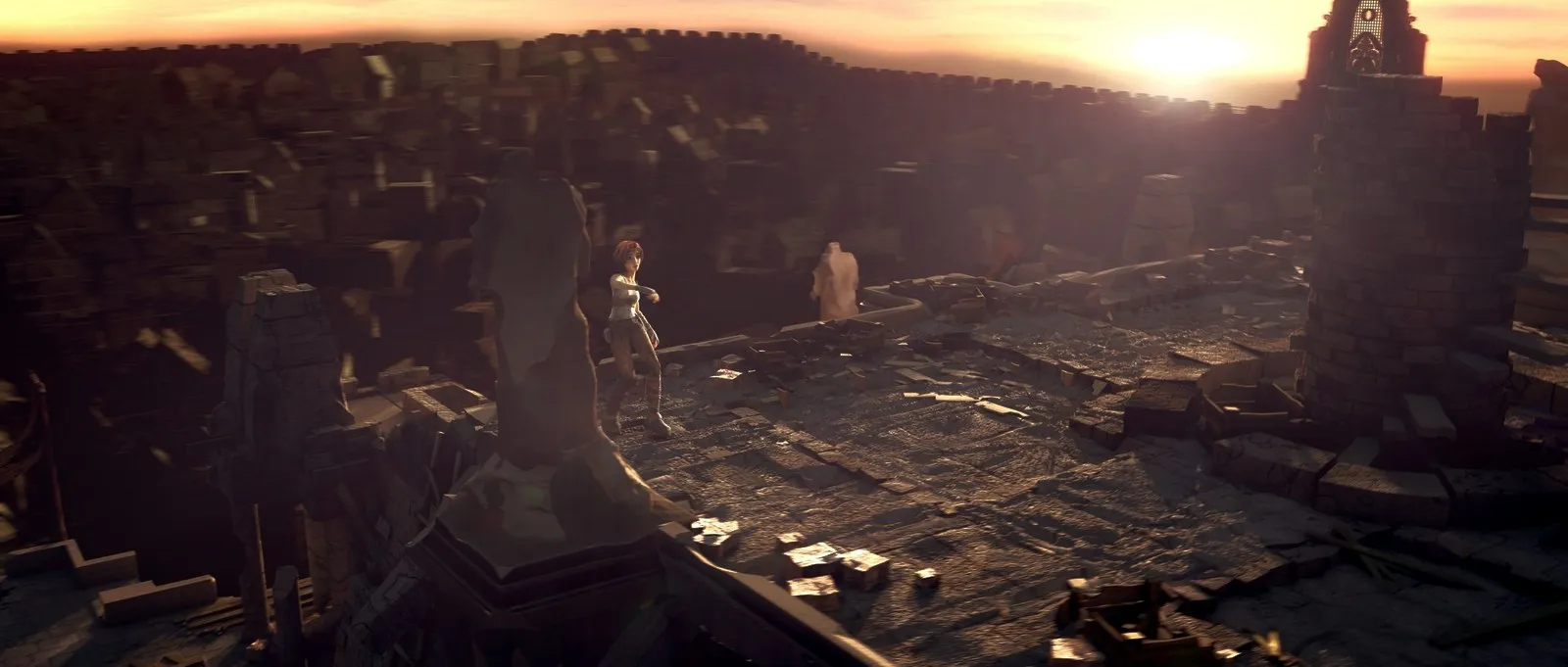
Third, the lift is applied to brightness, not color. When a neon sign or a glowing lightsaber goes into HDR headroom, it gets brighter without shifting hue or washing out.
Offline conversion vs real-time playback: why re-encoding is obsolete
Historically, Mac users seeking to upgrade SDR video to HDR relied on offline conversion: AI video tools or FFmpeg filter chains that write a new HDR file. While offline conversion can produce respectable results, it has real downsides for a personal library:
- Processing time: converting a two-hour film frame by frame can take hours, with the Mac working flat out.
- Storage: the result has to be a new 10-bit HDR file (HEVC or ProRes) to avoid banding, often several times larger than the original.
- Fixed Hardware Lock-In: An offline transcode bakes in a permanent peak brightness target (for example, 1,000 nits). If you play that file on a 600-nit portable screen, the display must reverse-tone-map the file back down, losing quality. Conversely, if you upgrade to a 2,000-nit television in the future, the file remains permanently restricted to the older 1,000-nit target.
Real-time in-player inverse tone mapping eliminates every one of these problems. The media player decodes the original SDR video, runs the expansion on the GPU as each frame is shown, and sends the result straight to the display. The original file remains completely untouched on disk, zero storage is wasted, and the expansion ratio dynamically adjusts to match the exact screen and brightness setting you are using at that exact moment.
The Windows approach: NVIDIA RTX Video HDR
In January 2024, NVIDIA introduced RTX Video HDR for Windows PCs with GeForce RTX graphics cards. It uses AI running on the GPU’s Tensor Cores to turn SDR video playing in Chrome and Edge (and later in some other apps) into HDR10 for an HDR monitor.
The feature showed how much people want their SDR video to glow on HDR and OLED screens. But it depends on Windows and NVIDIA hardware, and Apple Silicon Macs have neither.
How MacLC brings real-time SDR to HDR to Apple Silicon
To fill this gap on the Mac, MacLC, the player we make, includes a real-time SDR to HDR engine built on Metal for Apple Silicon.
Operating inside macOS’s Extended Dynamic Range (EDR) pipeline, MacLC intercepts standard SDR video frames, measures the active headroom of the physical display the window is currently resting upon, and expands highlights in real time.
MacLC provides five selectable quality levels to match different hardware configurations and battery priorities:
- Auto: chooses a level from the power source, the Mac’s thermal state, its GPU and the video’s pixel rate, and steps down (as far as Fast) rather than drop frames.
- Fast: one curve for the whole picture. Lightest on the battery.
- Balanced: adapts to each scene, keeps whites natural and gradients smooth, and protects burnt-in subtitles and logos.
- High and Maximum: a small neural network, trained by Hazen Studio on CC0 photos from Poly Haven, finds lights and reflections and lifts only those; Maximum works at full detail, best around small lights. On an M3 Max, High takes 0.45 milliseconds per 1080p frame and Maximum 0.53.
You can set how bright highlights may go, from 1 to 16 times SDR white; the default is 4 times. MacLC never asks for more than your screen can show at that moment.
During playback, you can press and hold the M key on your keyboard to instantly bypass the expansion pipeline and view the unenhanced SDR frame, letting you verify firsthand that shadows and facial tones remain completely true to the original master.
The hard limits: what SDR to HDR cannot do
While real-time inverse tone mapping provides a transformative visual upgrade for classic media, it is important to understand its physical and mathematical boundaries:
- It cannot reconstruct clipped camera sensor data: If an original camera sensor clipped a bright sky to pure white (code value 255), the texture of the clouds was permanently discarded at the moment of recording. Inverse tone mapping will make that clipped white patch shine with the brilliance of real sky luminance, but it cannot magically invent cloud textures that do not exist in the data.
- It does nothing on SDR screens: inverse tone mapping needs HDR headroom above SDR white. A MacBook Air, a 24-inch iMac or an original Apple Studio Display has none, so SDR to HDR does nothing there.
- It does not replace a real HDR master: a colorist working from the camera’s raw files has dynamic range and color data that no player-side filter can recreate. Inverse tone mapping is an enhancement bridge for the vast catalog of content that will never receive an official HDR remaster.
How to test SDR to HDR on your Mac
To experience the best results from real-time SDR to HDR enhancement on your Mac, use the following setup:
- Use an XDR display: The feature is designed for 14-inch and 16-inch MacBook Pro models with Liquid Retina XDR displays or external mini-LED/OLED monitors connected via HDMI 2.1 or DisplayPort.
- Choose high-contrast source material: Films with strong practical lighting—such as science fiction, neon-drenched cityscapes, dark concert recordings, or classic animation—show the most spectacular improvement.
- Optimize room brightness: In a dimly lit room, lowering your Mac’s manual brightness slider to around 100 nits expands your Liquid Retina XDR display’s highlight headroom up to 16.0 times baseline white, giving the inverse tone-mapping engine massive room to make sparks and lamps blaze with realism.
To learn more about how your Mac manages display luminance across different windows simultaneously, read our deep dive on EDR and XDR explained. To understand the baseline contrast differences between video standards, see our guide on HDR vs SDR. And to see your own films glow, download MacLC, free for Apple Silicon Macs.
Questions people ask
Can you really convert SDR video to HDR?
Yes. Through inverse tone mapping, an algorithm analyzes SDR frames, identifies true light sources like lamps and sunlight, and expands those highlights into the display's HDR brightness headroom while keeping faces and shadows natural.
Why do crude SDR to HDR converters look fake?
Basic tools apply a flat global brightness boost or stretch all colors across the wide gamut. This causes human skin tones to look sunburned, turns dark shadows into milky grey, and makes non-emissive surfaces like interior walls glow artificially.
Is there an RTX Video HDR equivalent for Mac?
NVIDIA RTX Video HDR is exclusive to Windows PCs with GeForce RTX graphics cards. On a Mac, MacLC provides real-time SDR to HDR of its own, built on Metal for Apple Silicon.
Does SDR to HDR work on a MacBook Air?
No. SDR to HDR needs a screen with HDR headroom above SDR white. A MacBook Air or an original Studio Display has no HDR headroom, so there is nothing to expand highlights into; MacLC's SDR to HDR simply does nothing there.
Does converting SDR to HDR restore clipped highlight details?
No. If a camera sensor or SDR mastering pass clipped bright clouds or explosions to pure white, inverse tone mapping makes that white patch brighter, but it cannot reconstruct textural details that were never recorded.